
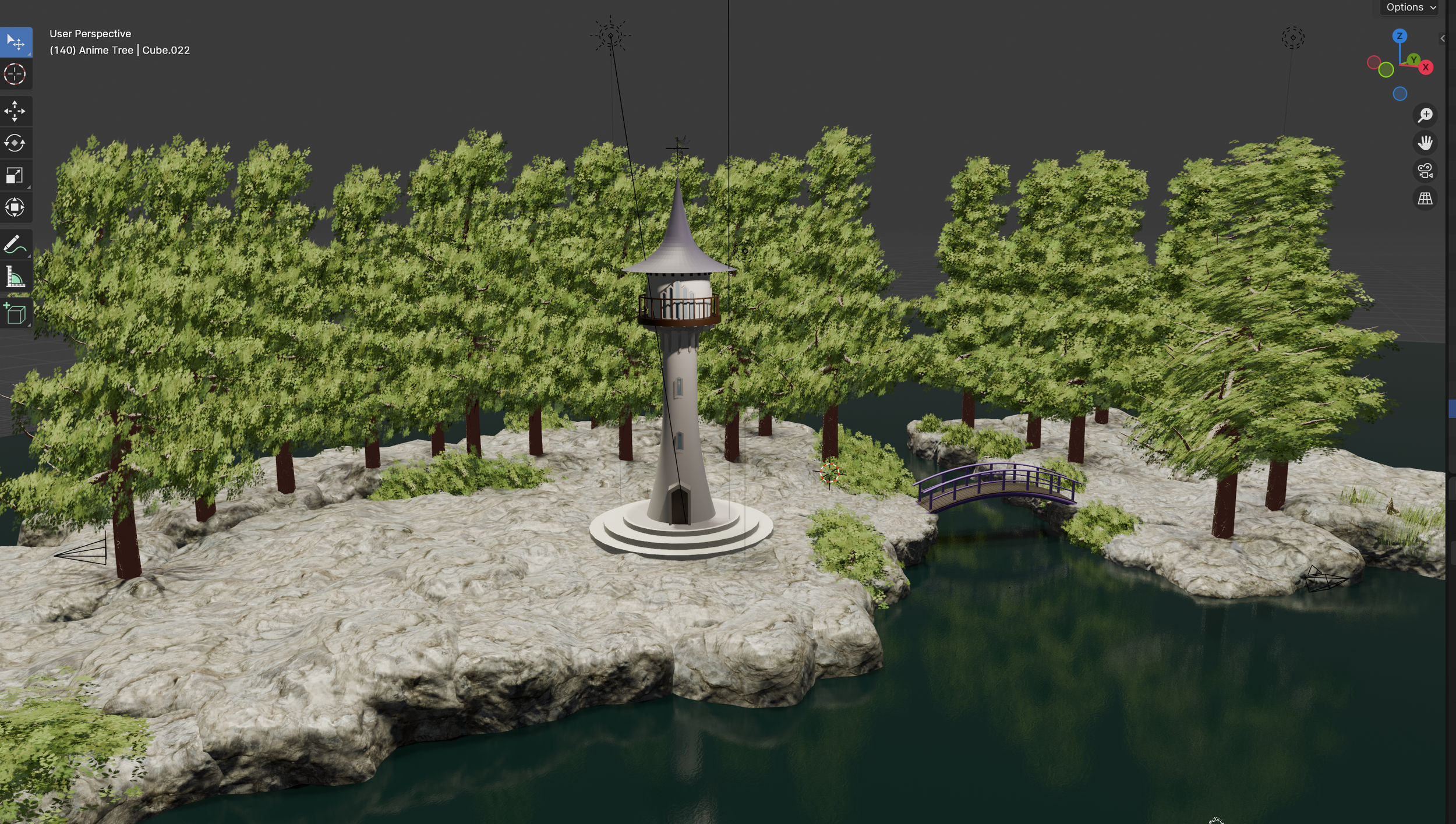
The Vale of AralueN
Project 1 : VARIATION 1
prologue
Persevere dear reader, persevere…
Being a beginner can be immensely frustrating at times, especially when you have lots of ideas that you are excited to work on! It feels like you are always stumbling around road blocks and into brick walls that hinder progress. However if this project and the lead up to it have taught me anything, it’s that being patient with yourself and just showing up and to do a little bit every day is always, always worth it - because with enough time and practice, you’ll get there.
Learning how to use Blender has been the biggest road block of our ‘getting started’ phase. We know that we learn best by working on projects that we’re really excited about, ones that get us lost down research rabbit holes of how to do things and that set us on a path of problem solving and figuring out, but sometimes you really do have to start from zero and do some beginner courses. So this is what we did and about six months later once we had the absolute basics under our belts we decided that it was time to try and attempt our first ‘from scratch’ project and begin figuring out who we are as 3D artists.
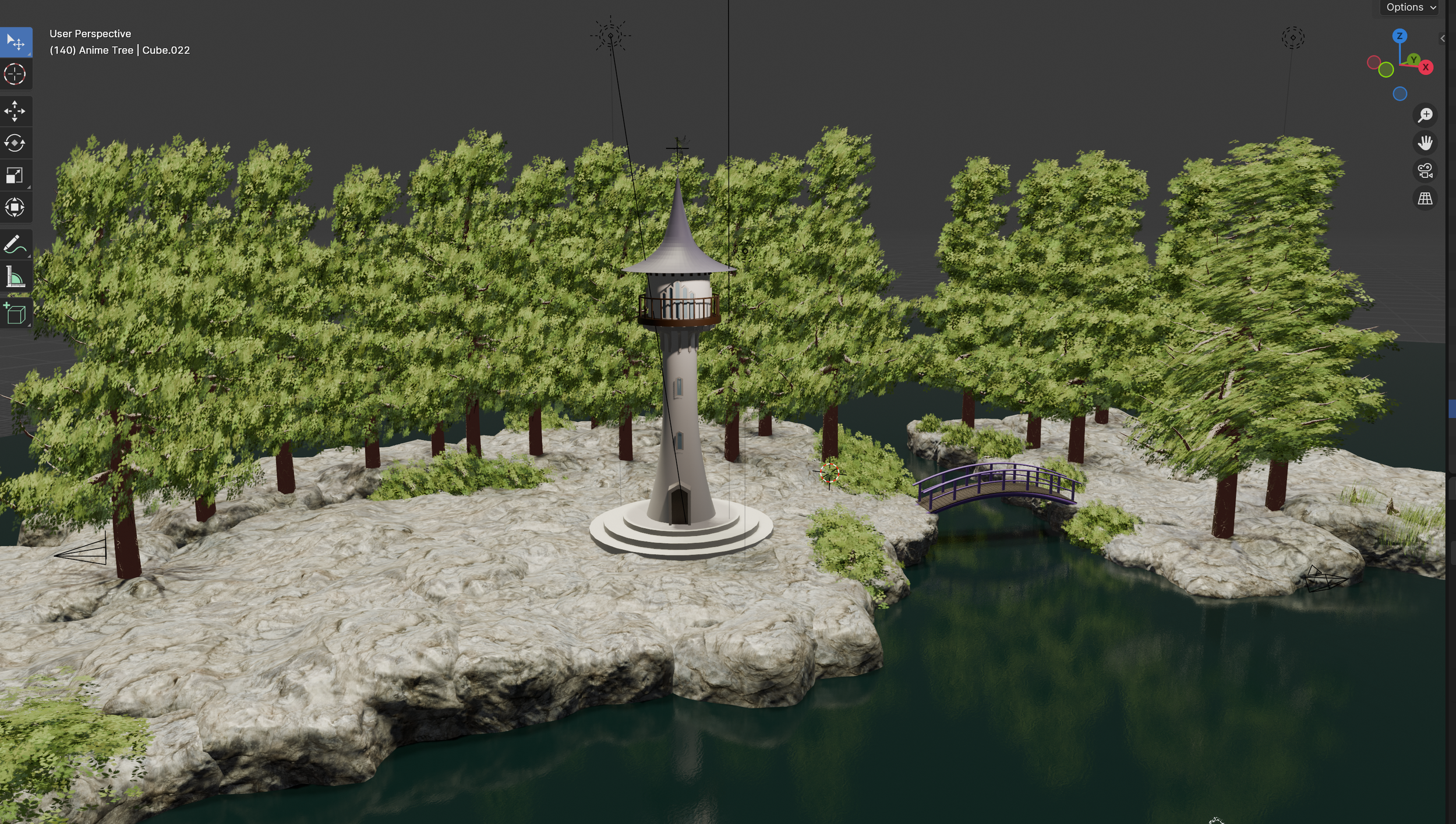
We knew that beginning our solo Blender journey with one of the film project ideas we’ve been working on would be akin to trying to figure skate in the Olympics having literally only just mastered how to stay upright most of the time… so we decided to start with something a little smaller scale; by creating a fairytale studio tower in a woodland setting that we could use to make an animated title sequence and little snippets of B roll for our YouTube videos.
The idea
This project evolved from an idea I had while watching the latest videos from two of my favourite creators back to back; Jonna Jinton and Roaming Wild Rosie. Their videos always have incredibly beautiful cinematic shots of the stunning Swedish forest that surrounds where they each live. I’ve known for a long time that I really wanted to have similar shots in our videos given our love of the natural world and what inspires us but as we sadly don’t live somewhere quite so picturesque as Jonna and Rosie at the moment I knew this sort of footage was going to be hard to do without driving large distances. But then I thought, why not create an animated version of these by building a model of an imaginary studio and it’s environment with a fairytale twist?!
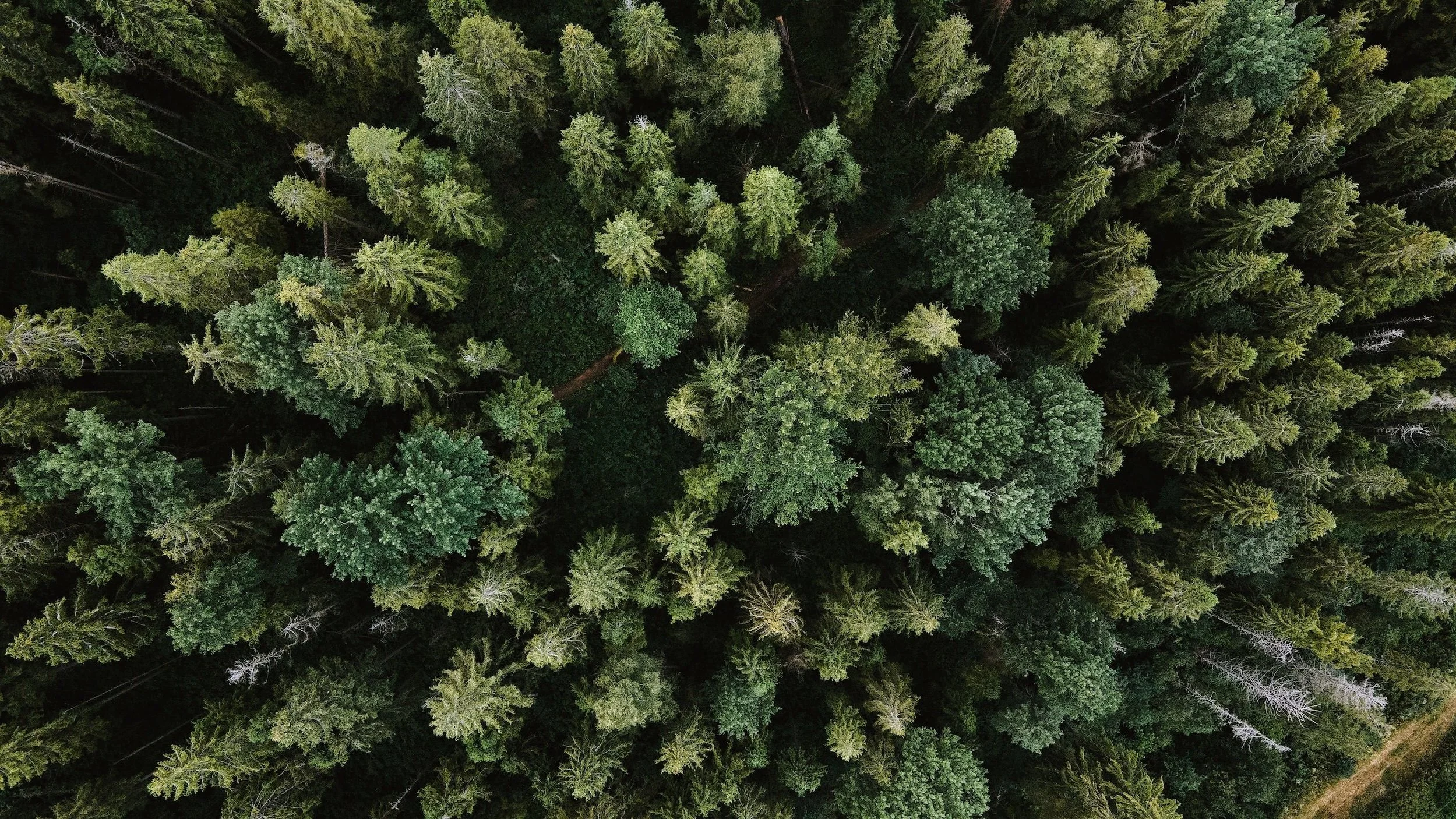
So began a much, much bigger project than I initially anticipated, but one that has proved to be both a lot of fun and incredibly useful for getting started with world building.
Creating ‘The Vale of Araluen’ gave us the perfect opportunity to put into practice what we’d learned so far while also pushing us to learn much more complicated and intricate modelling techniques. Additionally it enabled us to begin developing our own art style.
Inspiration : landscape
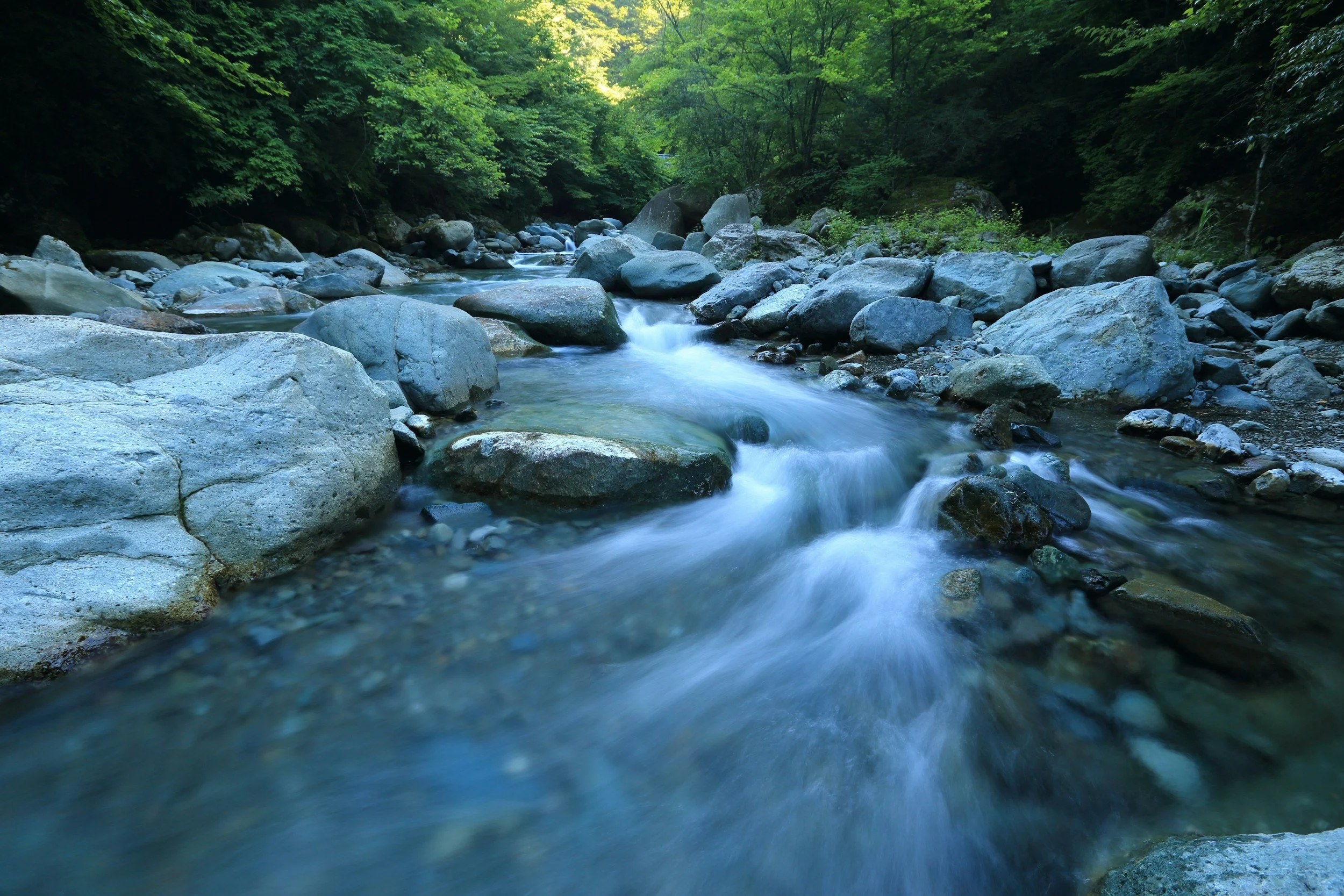
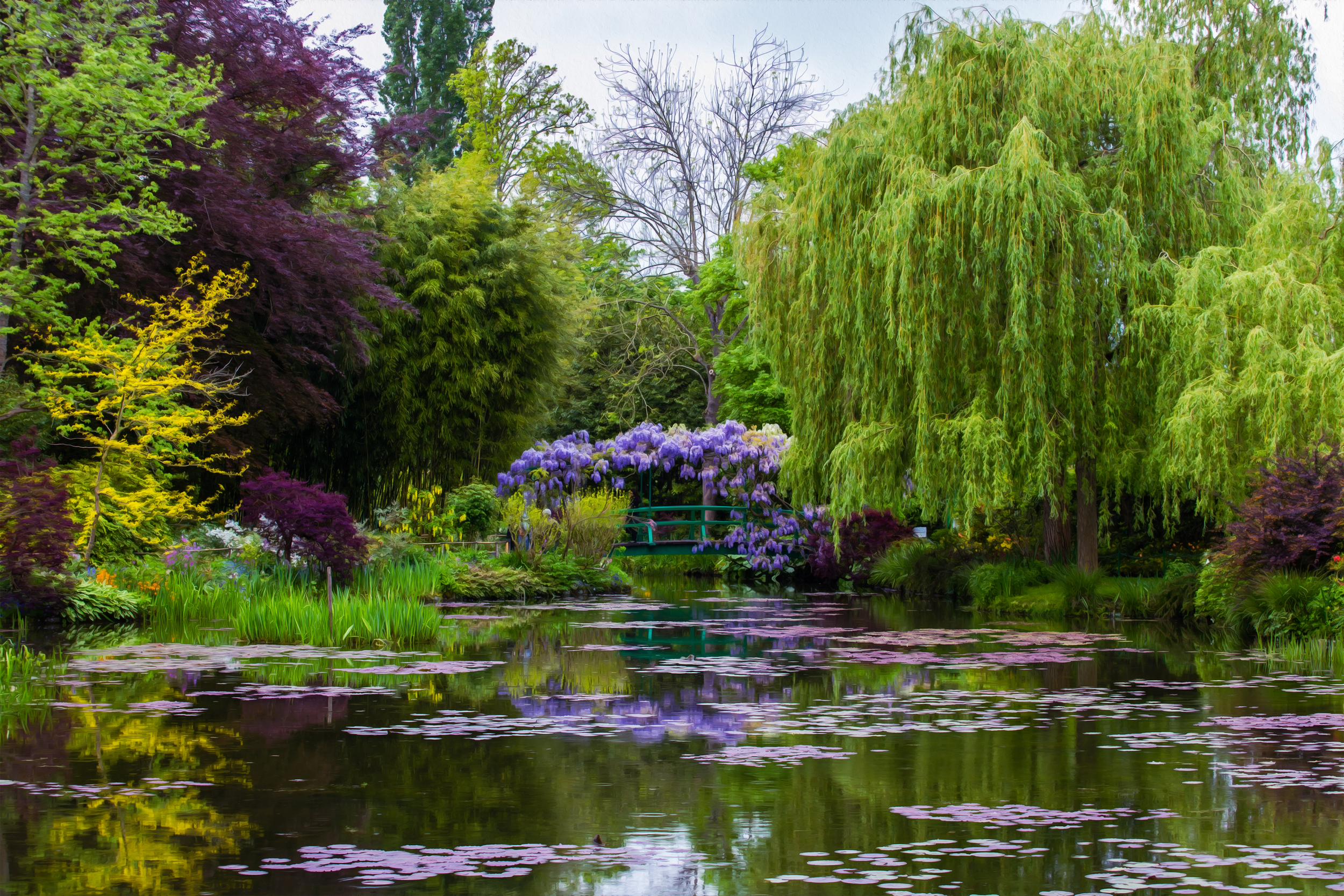
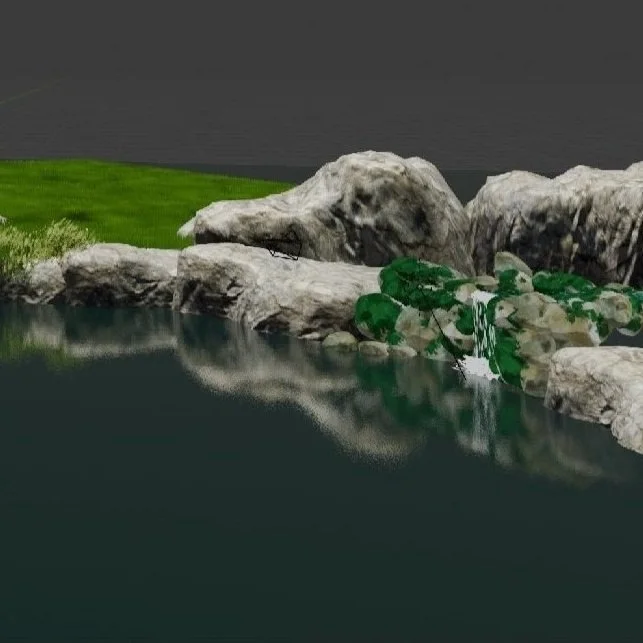
The two main inspirations for our fairytale setting are Claude Monet’s idyllic artist’s garden at his home in Giverny and the magical Nordic forests of Scandinavia. While the little waterfall is inspired by the beautiful Fairy Pools on the Isle of Skye, which we found during a hike through the Cuillin mountains.
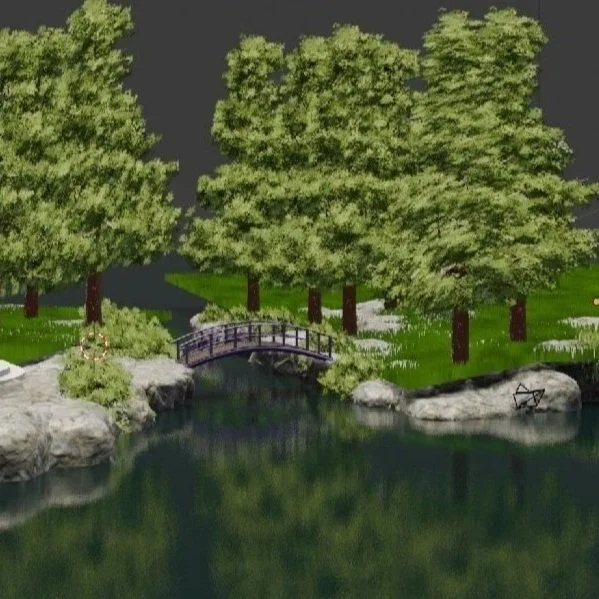
I have loved Monet’s water lily series and the gardens that inspired it since I first discovered them in art class at school. Everything about these stunning gardens is so delightful, from the beautiful Japanese design references that give the place such a wonderful feeling of tranquility and serenity to the planting which includes some of my favourite flowers and trees - wisteria, water lilies, roses and willow.
nAME
Araluen is an Aboriginal word that means ‘singing waters’, ‘running waters’, or ‘place of lilies’.
I love researching and finding names with meaning and symbolism and I was so happy to find this beautiful sounding word during a late night search. It perfectly encapsulates all the influences, natural beauty and the magical feeling that I wanted to imbue our little studio world with.
I added ‘The Vale of’ prefix because I think it adds to the ‘straight out of a fairytale’ vibe!

inspiration : studio tower
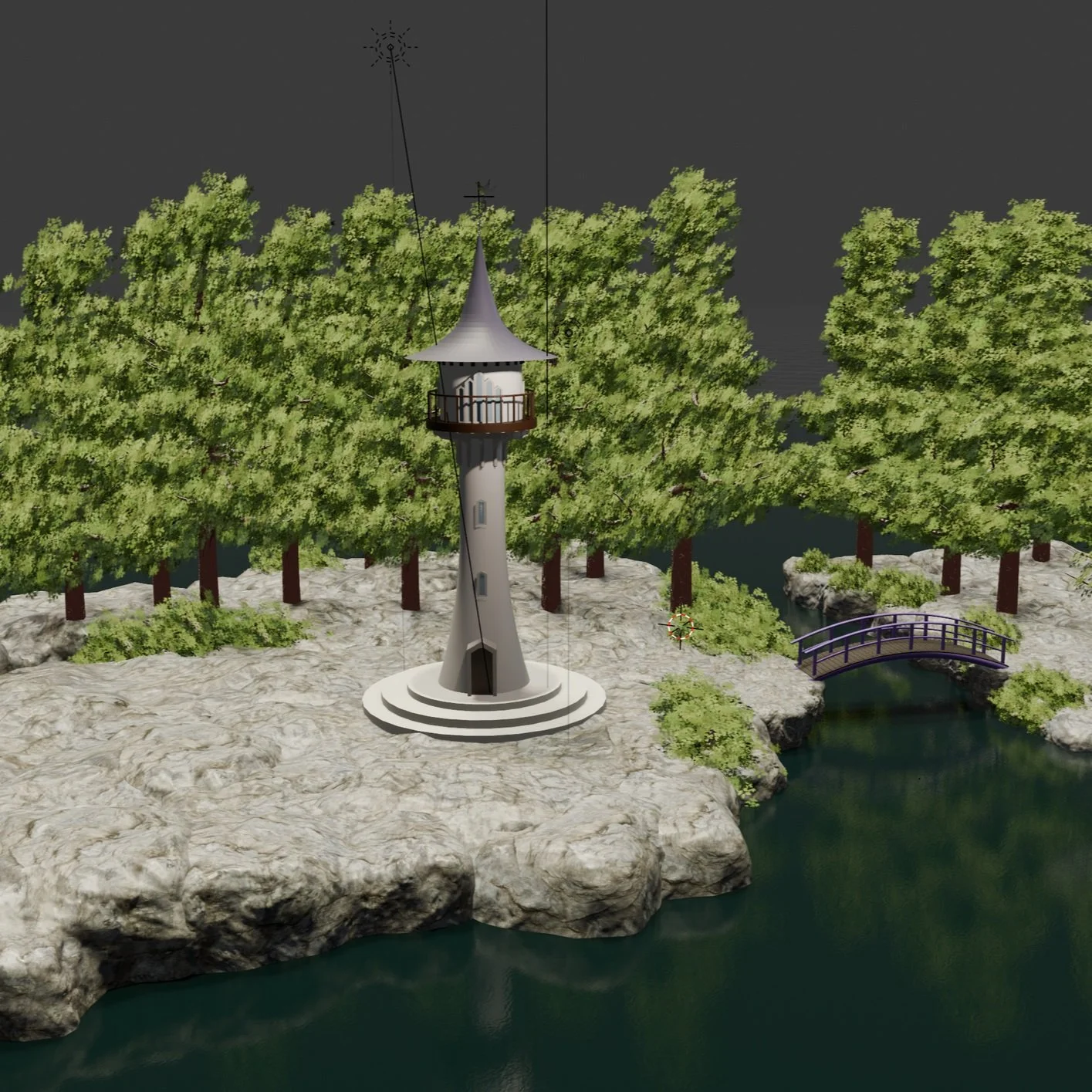
It probably comes as no surprise given my love of fairy tales that I have often imagined that our studio was high up in a beautiful white tower looking out over a stunning forest and river valley. So I had a pretty clear image of what I wanted our studio tower to look like.
My main reference is Mother Gothel’s tower from Disney’s Tangled. But as I wanted to give our tower a more refined and elegant look so I drew on the exquisite architecture and detailing of the châteaux of the Loire Valley for further inspiration; Château Chenonceau, Fontainebleau, d'Ussé, Pierrefonds, Chambord and Chaumont to name a few!

The wisteria that winds around the tower was one of the biggest challenges of the entire build. But as I have adored these beautiful plants since I first saw one as a child, like the water lilies and the Monet bridge it had to be there. I’m so glad I persevered with it as it’s one of my favourite features. It has also given me a lot more confidence in my ability to figure out a way to model whatever appears in my imagination… and that maybe there is some truth in my thinking that the only limit is your imagination.

ART Style
While mining through YouTube’s deposits of blender environment tutorials I came across several anime inspired offerings and I was instantly captivated and inspired by the idea of developing a more artistic style rather than trying to achieve a photorealistic look.
Choosing to go with a more painterly style opened up so many options to explore. It also allowed me to really geek out over the beautiful backgrounds and colour palettes of some of my favourite films and study how they impact the mood and feeling of a film.
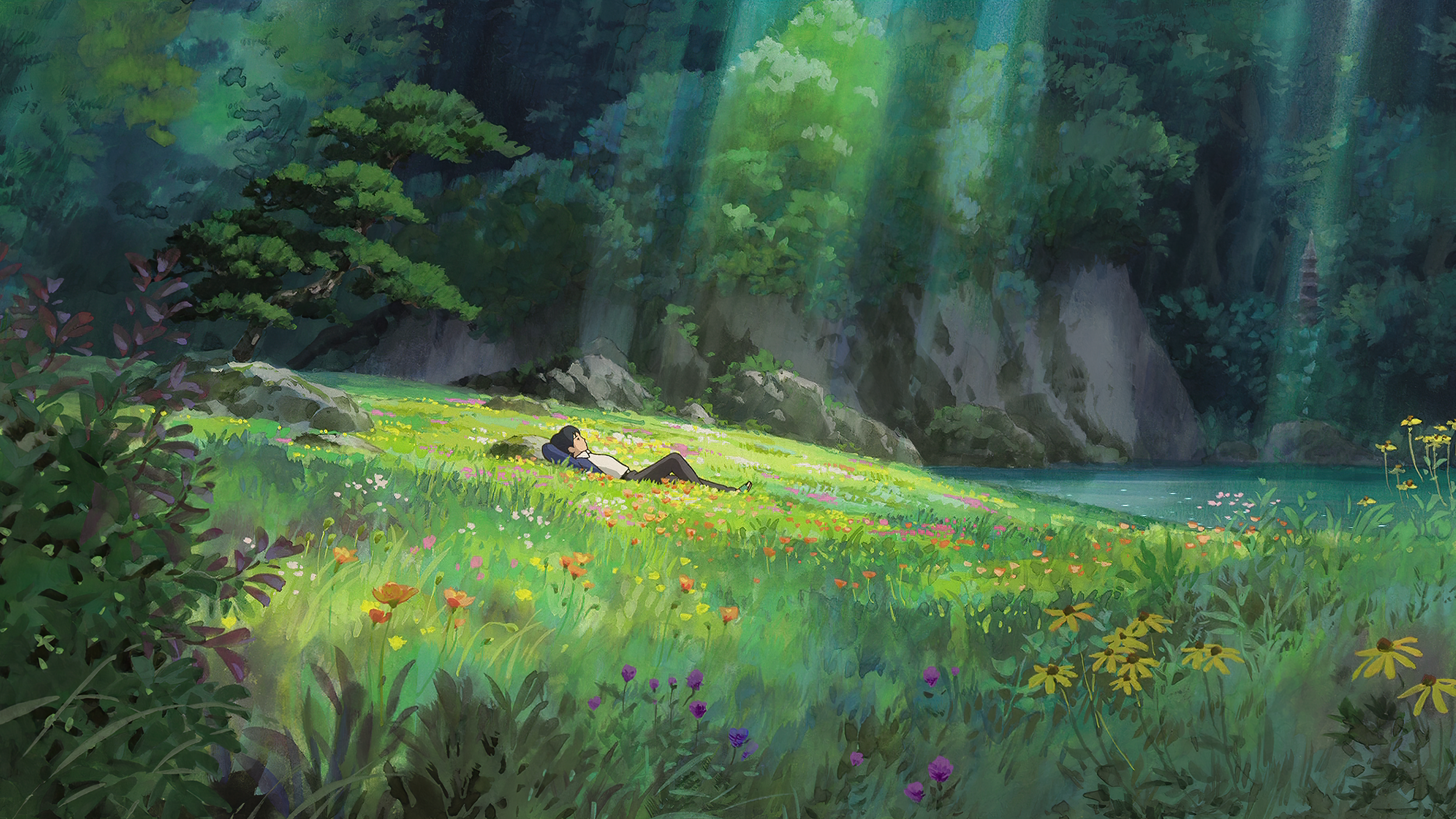
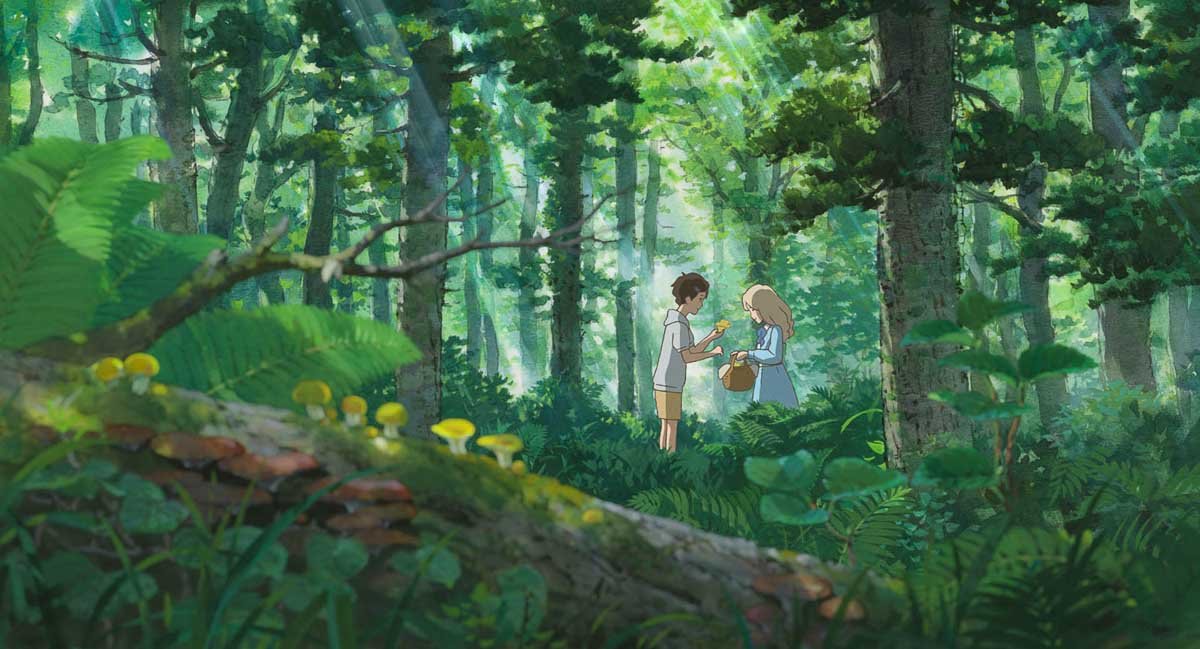
For this project I’ve taken inspiration once again from Tangled, How to Train your Dragon 2 and also from Studio Ghibli’s beautiful film Arriety. I’m really excited to keep evolving our style with each project we do as I enjoyed this phase a lot.

Credit : Studio Ghibli - Arrietty
Next Steps
We learned so many new skills and techniques while doing this project that we have decided to keep going with it and do a ‘theme and variations’ series with the main theme being ‘the seasons’.
The plan is for every vlog to have a slightly different version of the title sequence and animated B roll micro projects inspired by the season the episode will be published in. We hope this will be a fun way to keep learning and evolving as 3D artists while we work through all the different phases of our film projects. You can follow this series in The Vale of Araluen Variations section of our library.
Reference material and tutorial CATALOGUE
Below you will find a series of categories full of links to all the various tutorials, articles and courses that have helped us build The Vale of Araluen. You can also explore our ideas, inspirations and development sketches in more detail. We hope they prove to be as useful and inspiring to you as they are to us - happy creating!
If you are completely new to Blender or are looking to learn the fundamentals of procedural modelling we highly recommend doing these courses by GameDev.tv.
-
The Studio Tower
-
THE WATERFALL & LAKE
-
GRASS AND ROCKS
-
THE FOREST
-
Flowers
-
The Sky and Clouds
-
Monet Bridge
-
Art Style
-
Creatures
-
The Music Score
Credit : Studio Ghibli - Arrietty
Next Steps
We learned so many new skills and techniques while doing this project that we have decided to keep going with it and do a ‘theme and variations’ series with the main theme being ‘the seasons’.
The plan is for every vlog to have a slightly different version of the title sequence and animated B roll micro projects inspired by the season the episode will be published in. We hope this will be a fun way to keep learning and evolving as 3D artists while we work through all the different phases of our film projects. You can follow this series in the B roll projects section of our library.
ART Style
While mining through YouTube’s deposits of blender environment tutorials I came across several anime inspired offerings. Instantly captivated and inspired by the idea of developing a more artistic style (as opposed to a photorealistic look) I made the snap decision to pursue this route for this project.
With all the Japanese influences on the landscape design, adding in our own interpretation of some of the more artist anime styles just felt right. Also one of the aspects that I love the most about my favourite animated films is the art style so I was really excited to start developing our own AYANE Studio’s art style.
The Studio Tower
It probably comes as no surprise, given my love of fairy tales that I’ve pretty much always imagined that our studio was up in the trees in a beautiful white tower looking out over a stunning forest and river.
So when it came time to design it I went straight to images of my favourite castles for inspiration; Neuschwanstein castle in Germany, Château de Chenonceau (both of which I found out while looking for images were inspirations for Disney’s Cinderella castle!) and the witches’ tower from Tangled.
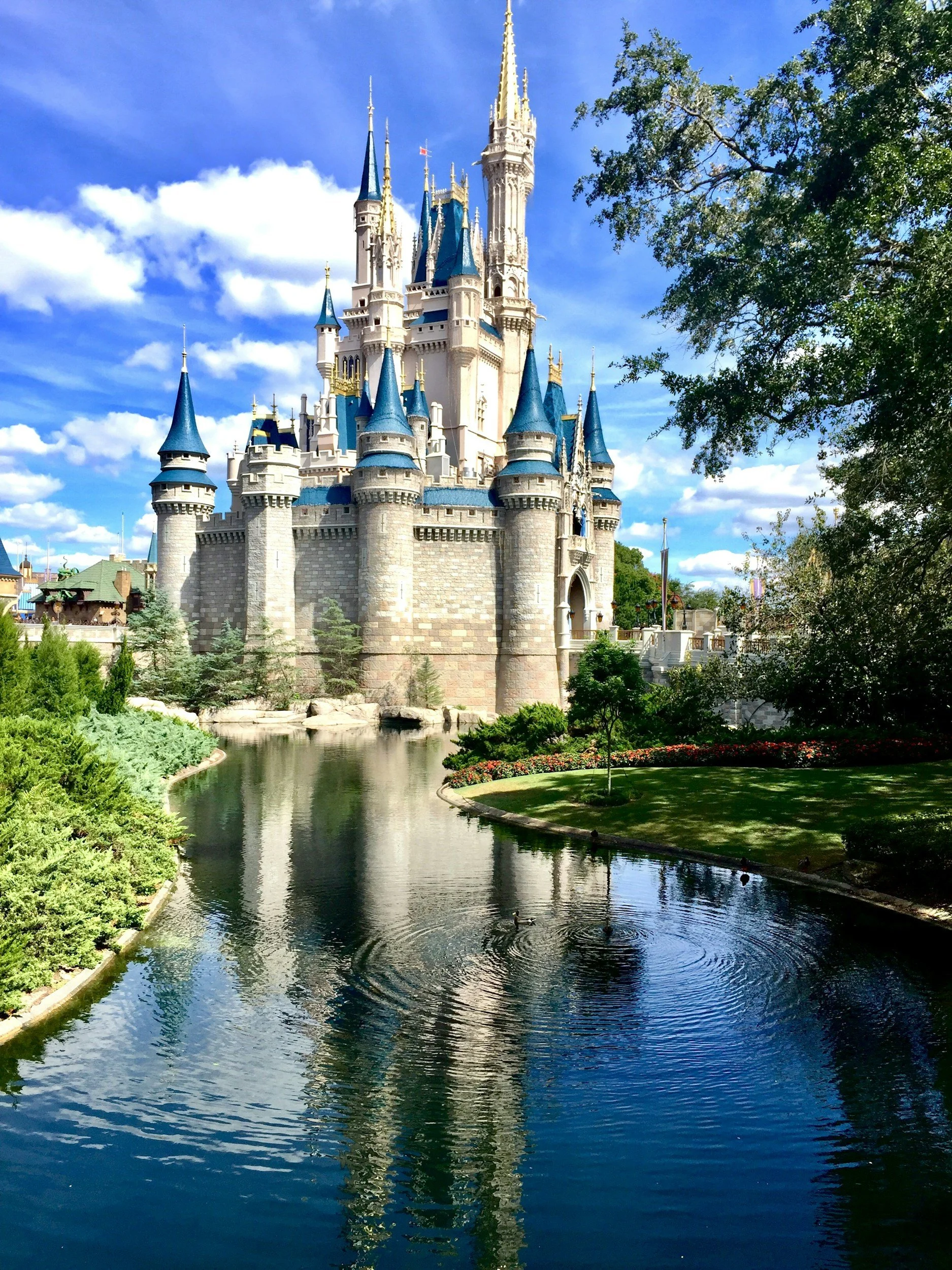
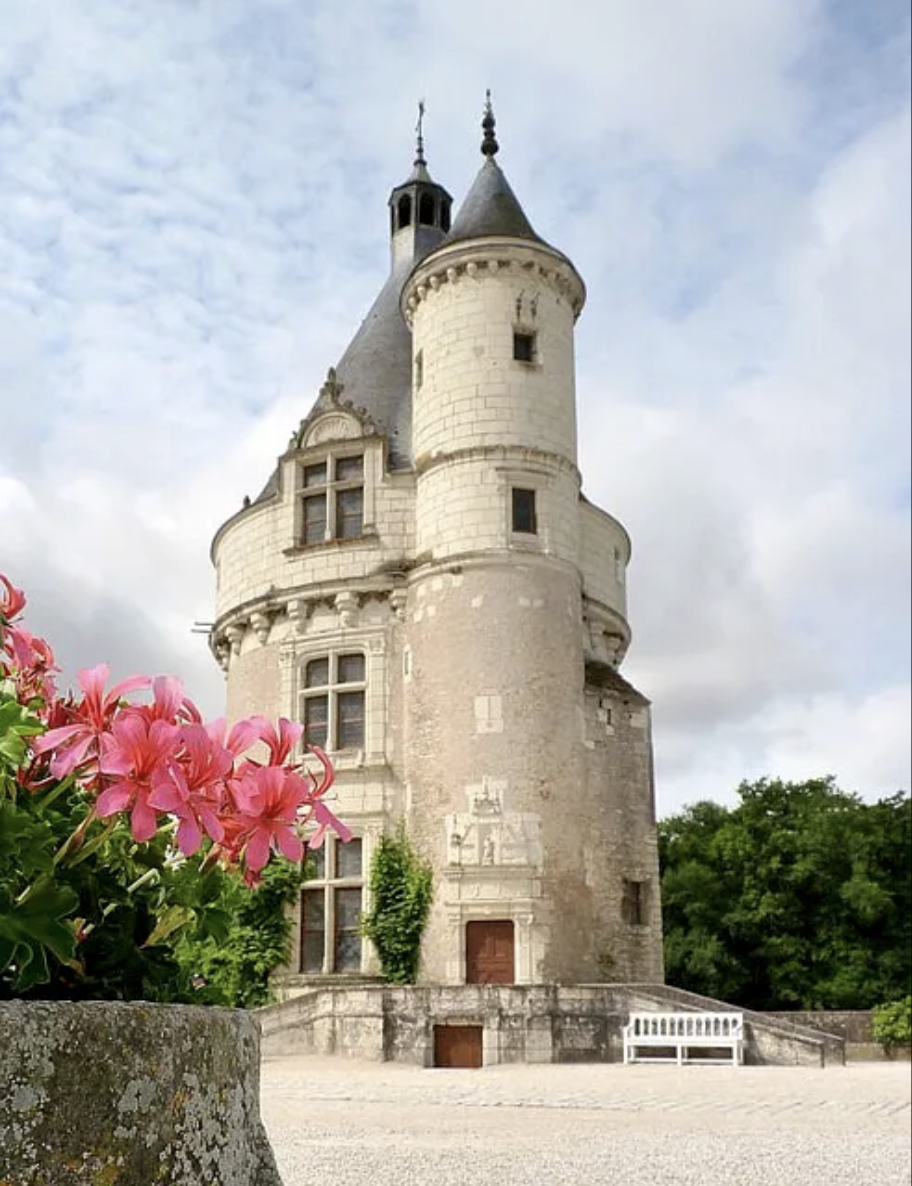
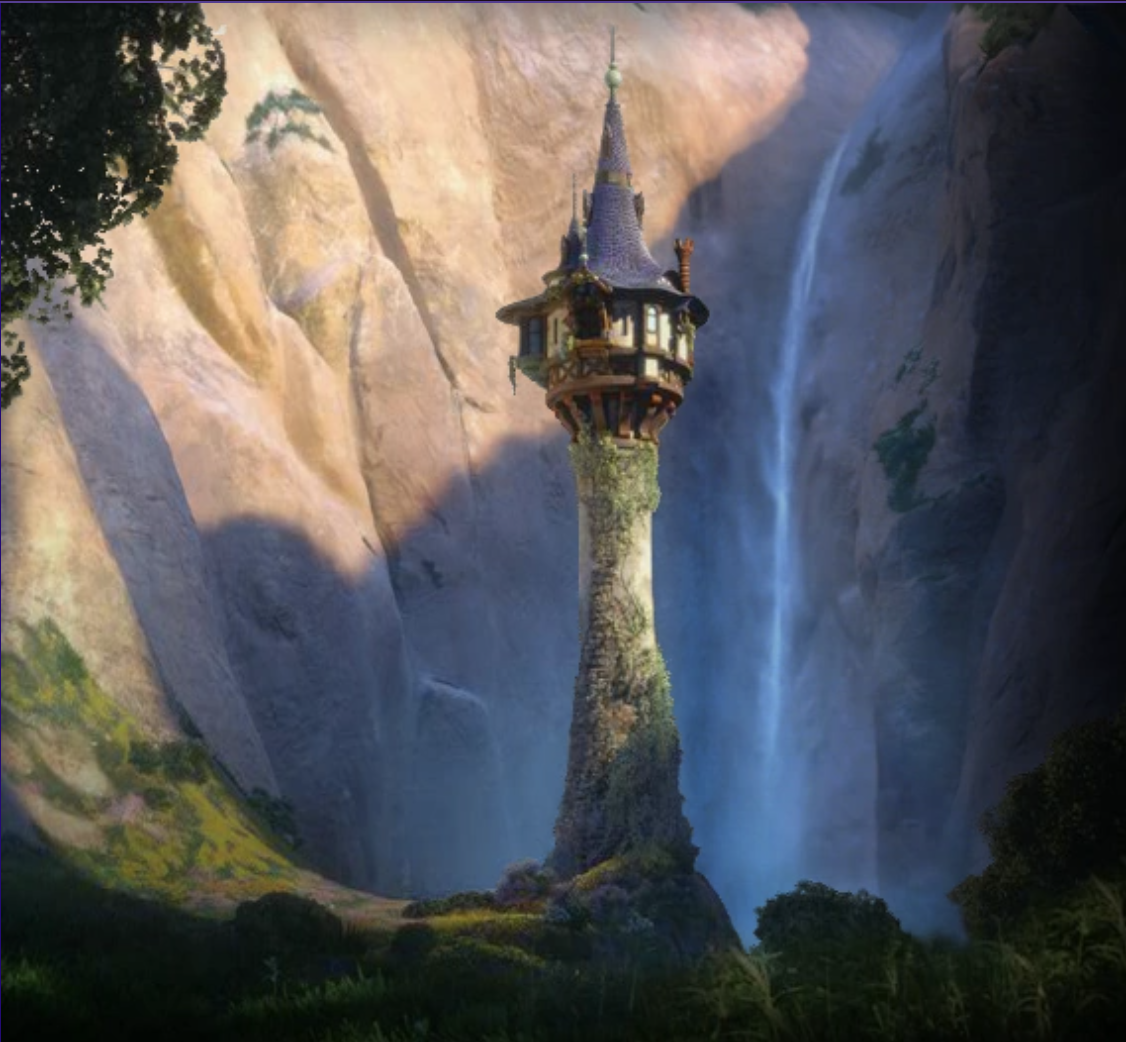
But being someone who likes a very pared back, clean, minimal aesthetic I’ve simplified things a fair bit to create a sort of modern fairytale castle tower.
It is the first procedural model I built from scratch after finishing GameDev.tv’s geometry nodes course. If you want to get started with procedural modelling I can highly recommend this course. I learned a huge amount and I think it’s perfect for getting started as there are lots of different projects that help you get familiar with the workflow of procedural modelling and lots of different nodes. For reference I worked on it for about 3 - 5 hours a day and it took me just over three weeks to get through it all - it’s very thorough and quite an involved course. I found it really helpful to it in a ‘little and often’ way so that I didn’t melt my brain or forget what I’d learned from the previous lectures.
I did have to do a fair bit of googling to figure out how to do the radial arrays for the balcony spindles and windows and I found that **this* article was really helpful for that.
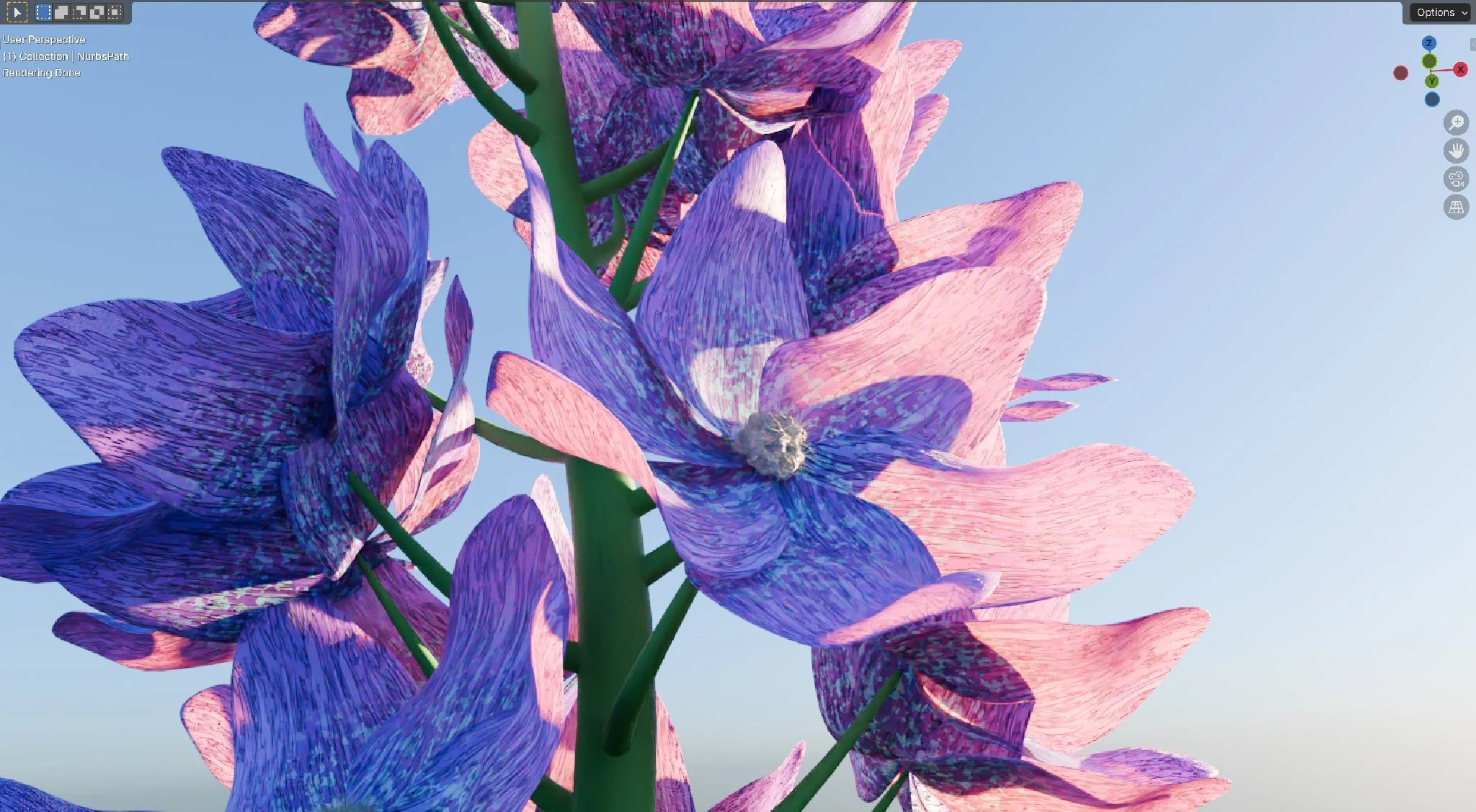
Flowers
One of the things I’ve been most looking forward to learning has been how to model are flowers. Anyone who knows me, knows that I have a bit of an obsession about flowers. I love everything about them, their delicate petals, their rainbow of colours, their perfume - a beautiful flower just makes me smile.
They are also the things that I’ve been most nervous about attempting - I thought they were way to advanced for my very novice level of 3D art ability… that was until I found the tutorials I’ve linked below.
Below are a series of images of different flowers I’ve built using the same basic node structure for both the materials and the geometry
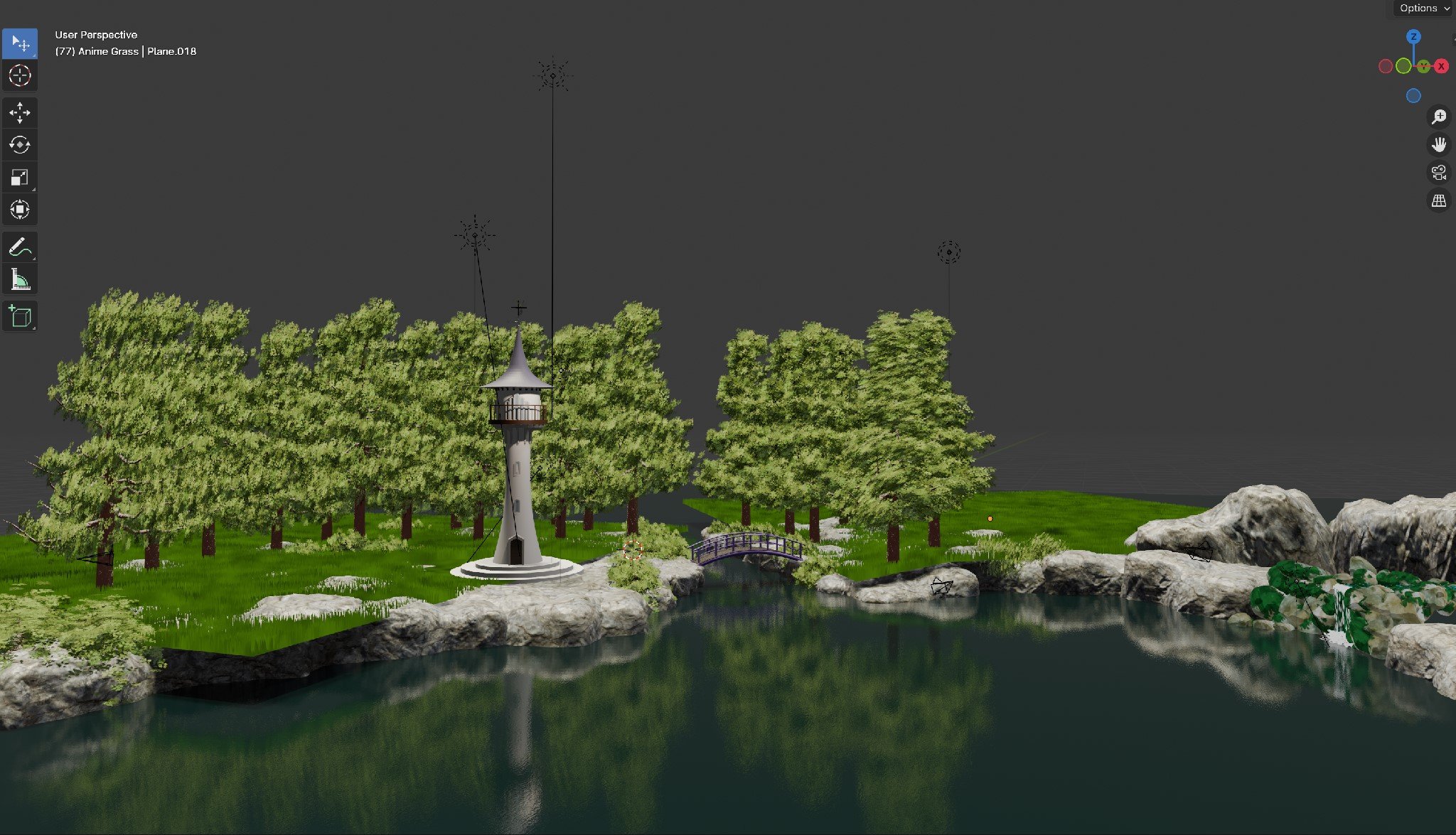
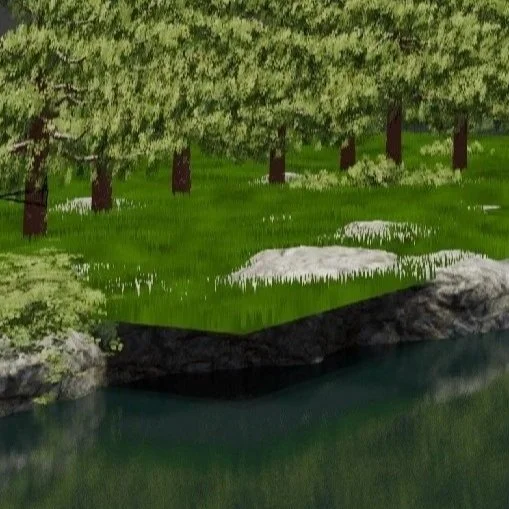
Grass
This was tricky - although for people who know more about blender than I do it probably isn’t.
Below are a series of images of different flowers I’ve built using the same basic node structure for both the materials and the geometry