
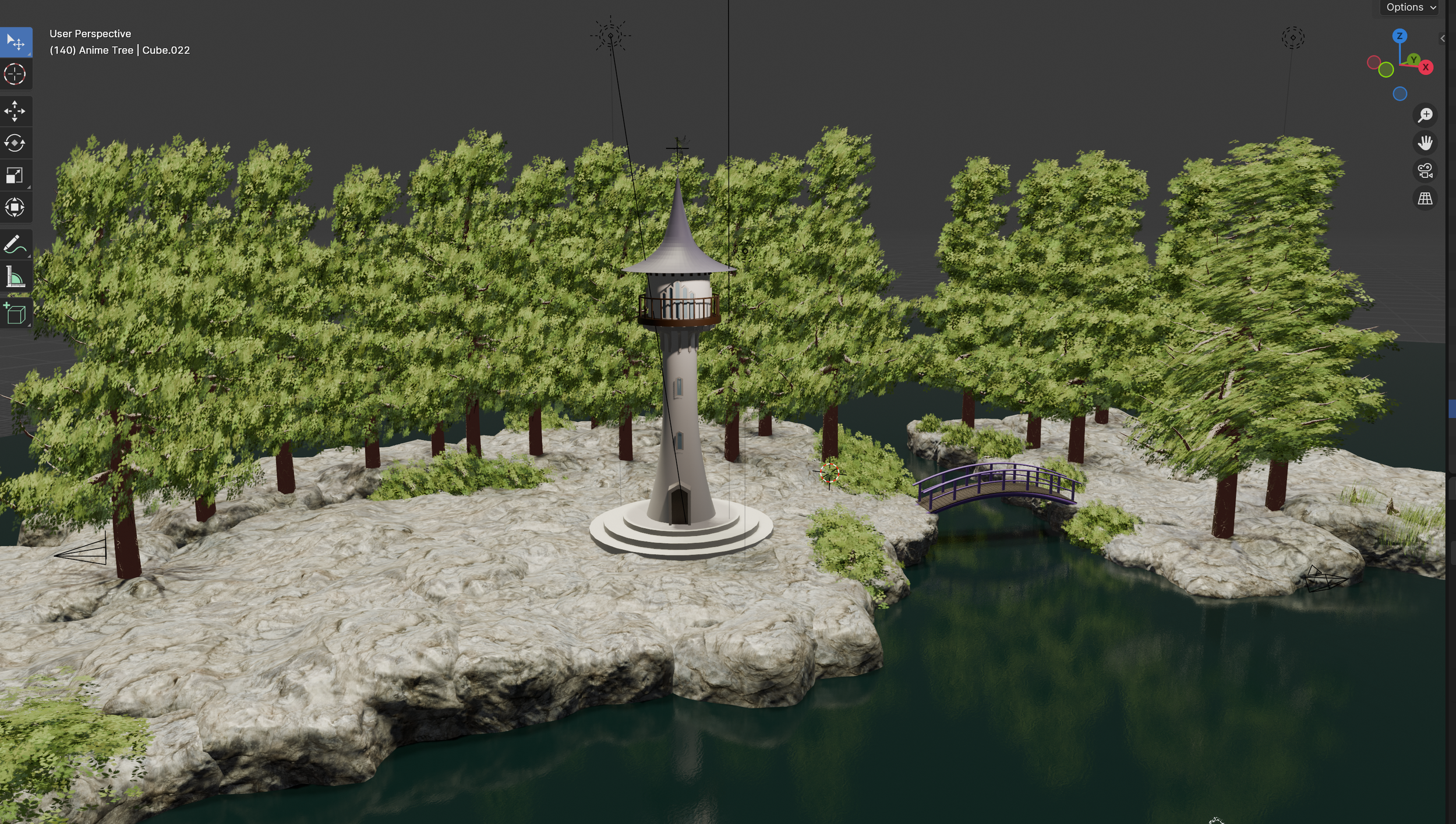
The Studio Tower
Prologue
Our fairytale studio tower was my very first ‘from scratch’ project in Blender and it was also my first procedural model built with geometry nodes.
I’m used to designing and modelling parametrically and I much prefer this style of modelling to destructive methods as it means you can continually tweak and finesse details as you go along. So it’s basically like sculpting but with the huge advantage of a ‘I’ve changed my mind button’! It also means that you can create and use groups of nodes as a generator which makes it super easy and quick to create multiple variations from the same initial model - which as we’re planning to do a ‘theme and variations’ series with The Vale of Araluen is ideal.
I completed GameDev.tv’s Blender Geometry Nodes course before I started work on our tower and I learned a huge amount from it! I think it’s a great course for getting started as there are lots of different projects that help familiarise you with the workflow of procedural modelling and a lot of the nodes. If you want to get into procedural modelling I can highly recommend this course. For reference I worked on it for about 3 - 5 hours a day and it took me just over three weeks to complete - it’s a very thorough course. I found it really helpful to it in a ‘little and often’ way so that I didn’t melt my brain or forget what I’d learned from the previous lectures.
VALE OF ARALUEN catalogue · INSPIRATION AND INSIGHT · TUTORIALS AND References


The Weathervane
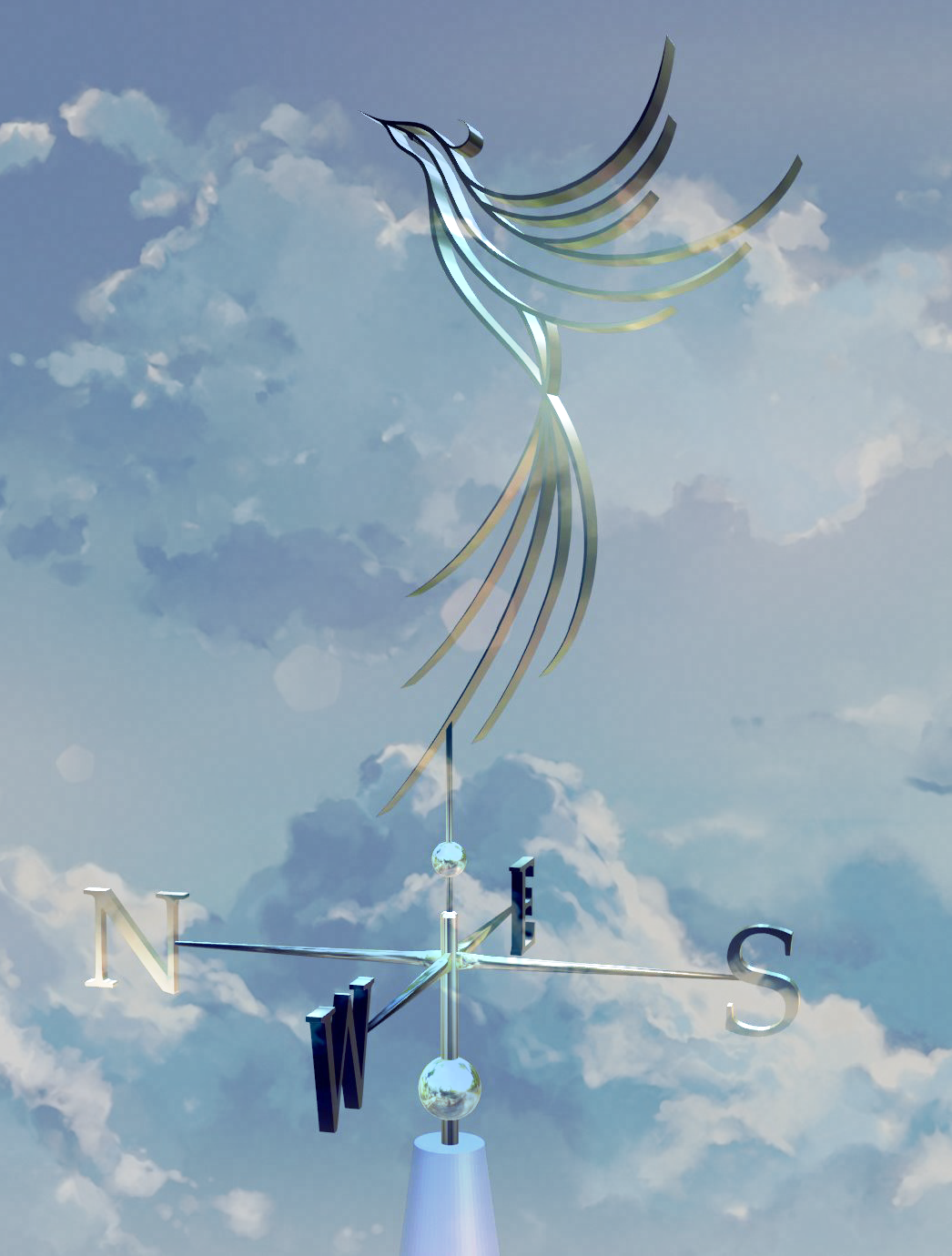
While I was storyboarding the camera shots for our titles I knew I wanted to end each video with a drone style sequence flying away from the tower and that I also wanted to somehow blend that into an image of our phoenix logo.
I loved the idea of having something animated on the roof that we could play with and vary from one episode to the next. Initially I’d planned to have a flag at the apex of the roof but that just seemed a bit too cliché. I got the idea for doing a weathervane when I was researching wrought iron gates for our real world garden and I came across an incredible blacksmith who creates stunning bespoke weathervanes… sometimes inspiration strikes at the most unexpected of times!
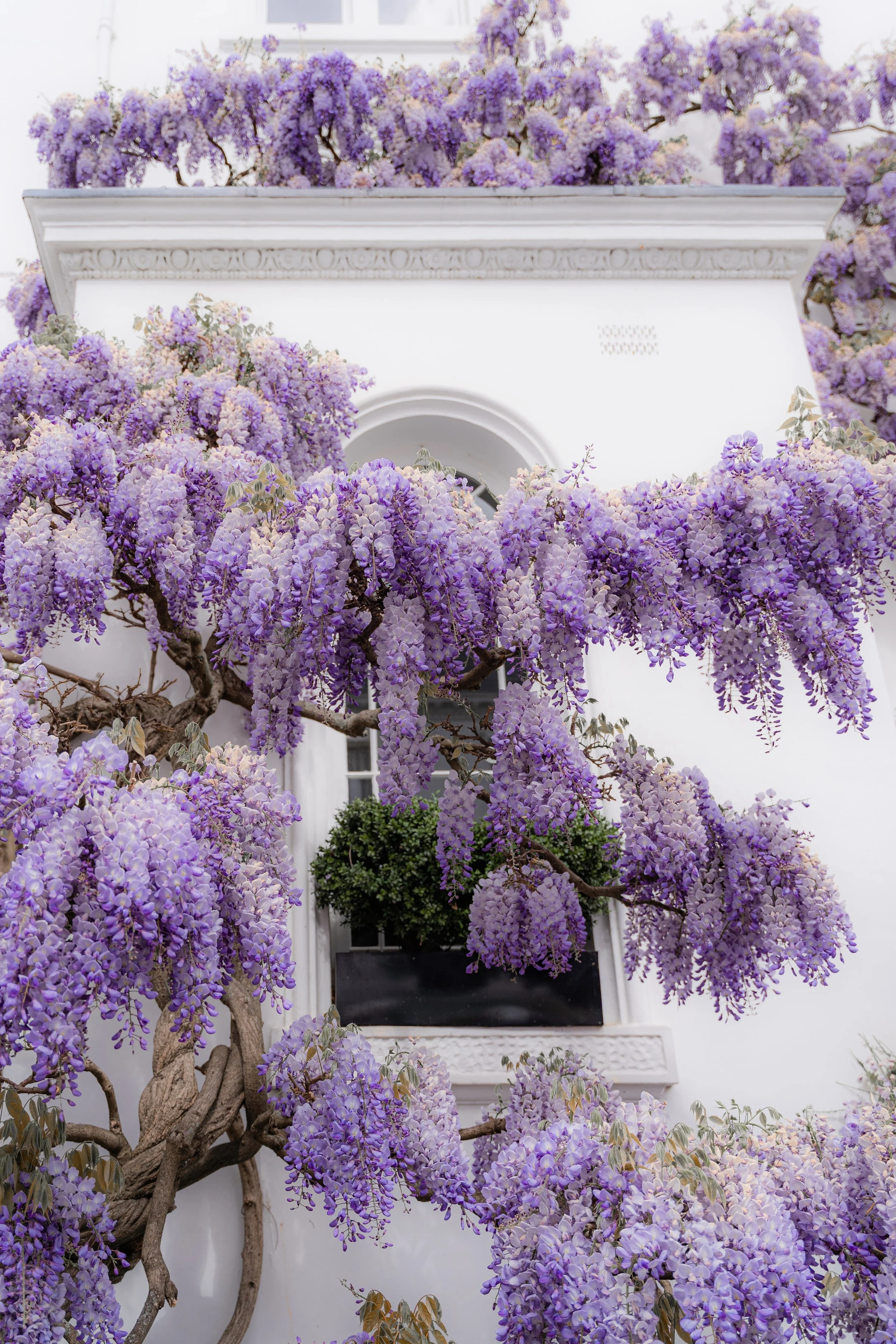
The wisteria that winds around the tower was one of the biggest challenges of the entire build. But as I have adored these beautiful plants since I first saw one as a child I was determined to figure out how to model one - I’ve linked all the tutorials I used to help me below.
I’m so glad I persevered with it as it’s one of my favourite features. It has also given me a lot more confidence in my ability to work out a way to model whatever appears in my imagination… and that maybe there is some truth in my thinking that the only limit is your imagination.

As a side note, I’d love to go to Japan one day and see the beautiful wisteria trees that have been trained into incredible canopies and tunnels that you can talk through.
They look so magical especially when they are all lit up at night!
I love a very elegant and simple aesthetic for most things but I deviated from this a little with the windows which are almost gothic in style. I wanted to do something dramatic as a focal point of the building and also if this was a real tower, you’d want to take advantage of the view…
I realised after I’d finished modelling them, that they were likely subliminally influenced by another Disney castle - Arendelle Castle from Frozen!
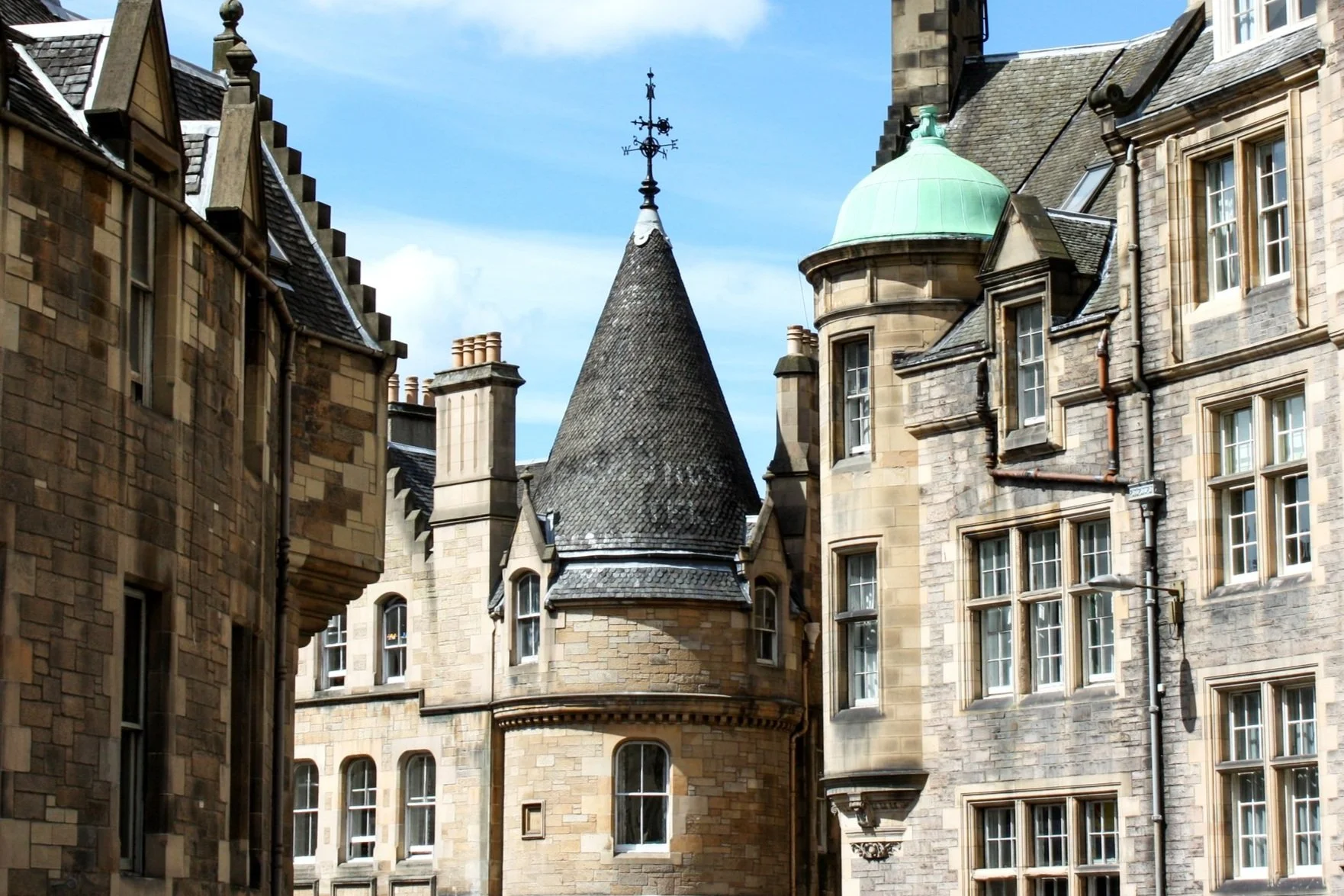
The phoenix part was created from the same 2D Adobe Illustrator image that I drew for our branding. I’ve linked the tutorial below that shows you how to turn 2D images into 3D models in Blender. It’s really clever and it was perfect for this.
I’ve built our weathervane to articulate like a real world one, but as the studio is in an enchanted forest who knows what it might do! Be sure to keep an eye on it…
inspirATION and Insight
It probably comes as no surprise given my love of fairy tales that I have often imagined that our studio was high up in a beautiful white tower looking out over a stunning forest and river valley. So I had a pretty clear image of what I wanted our studio tower to look like.
My main reference was Mother Gothel’s tower from Disney’s Tangled. But as I wanted to give our tower a more refined and elegant look I also drew on the exquisite architecture and detailing of the châteaux of the Loire Valley for further inspiration; Château Chenonceau, Fontainebleau, d'Ussé, Pierrefonds, Chambord and Chaumont to name a few!
Tutorials AND referenceS
These are all the tutorials we’ve used to create our studio tower, please note that we didn’t make them but we found them very helpful.
2D images to 3D Blender models
I used this technique to create both the phoenix and the lettering on the weather vane.
Stylised Tree
The wisteria trunk and branching system is based on the node system in this tutorial.
Path and Stepping Stones
I based the pathway that leads up to the door on this node tree but created my own cobble stones.